- jeffchen@packagedbox.com
- +86-15767637578
- Language
 English
  Español
 Português
 русский
 Français
 日本語
日本語 Deutsch
 tiếng Việt
 Italiano
 Nederlands
 ภาษาไทย
 Polski
 한국어
한국어 Svenska
 magyar
 Malay
Malay বাংলা ভাষার
 Dansk
Dansk Suomi
Suomi हिन्दी
 Pilipino
 Türkçe
 Gaeilge
 العربية
 Indonesia
 Norsk
Norsk تمل
تمل český
český ελληνικά
 український
 Javanese
 فارسی
فارسی தமிழ்
தமிழ் తెలుగు
 नेपाली
 Burmese
 български
 ລາວ
ລາວ Latine
 Қазақша
 Euskal
 Azərbaycan
 Slovenský jazyk
 Македонски
 Lietuvos
 Eesti Keel
 Română
 Slovenski
LCD Video Card Display Resolution: What Specs to Look For
When comparing video brochure cards, the screen resolution is one of the most important specs to understand. It directly affects how sharp your video looks, how much memory you need, and how much the final card costs. This guide explains what resolution means in practice and how to choose the right one for your project.
1. Why Screen Resolution Matters
Screen resolution measures how many pixels the display can show, usually written as width by height. A higher resolution means more pixels packed into the same screen size, so text, logos and fine details look sharper. On a lower-resolution screen, videos can appear pixelated or blurry, especially when the viewer holds the card close to their face. For premium marketing pieces, screen quality directly reflects your brand image.
2. Common Resolutions in Video Brochure Cards
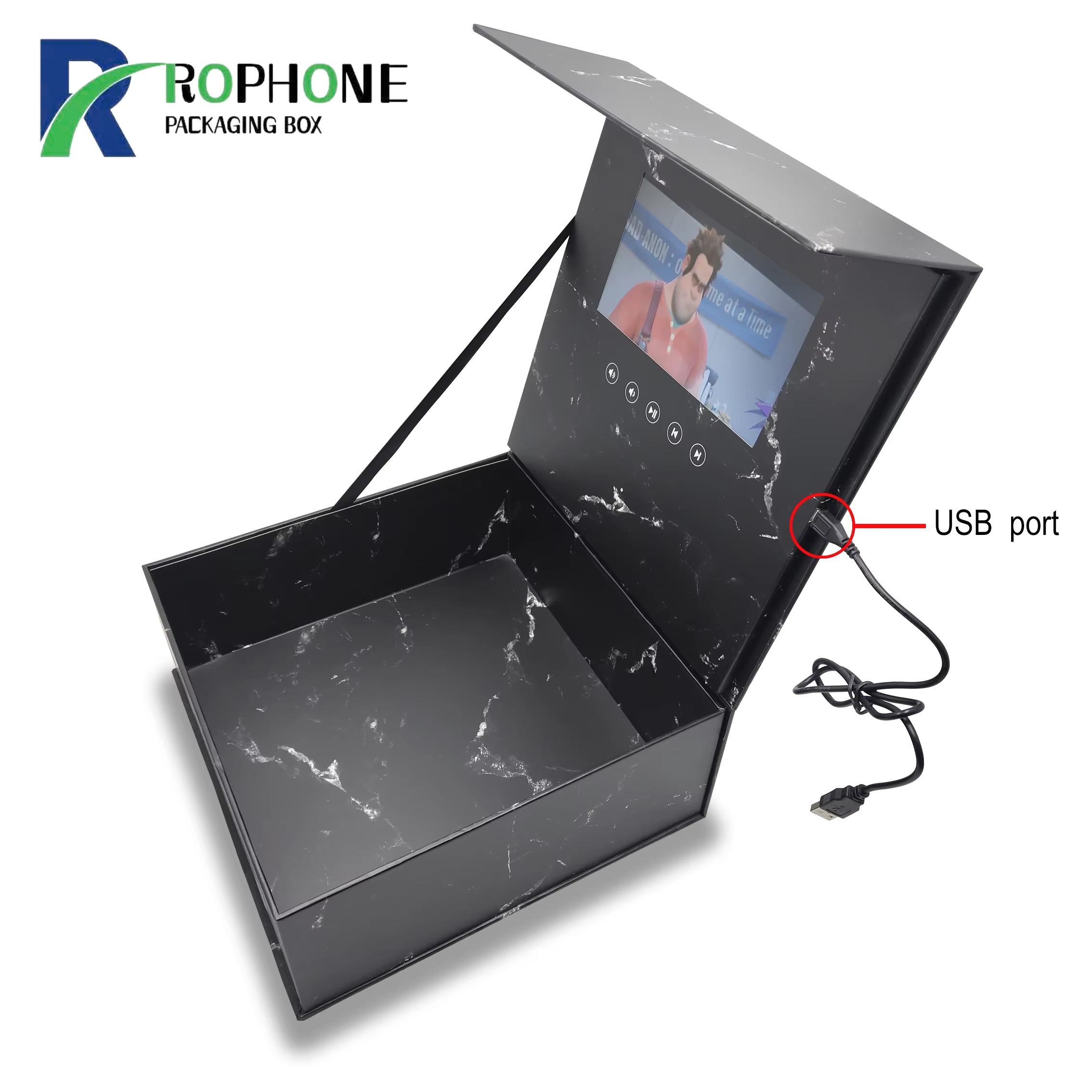
Most video brochure cards use one of three resolutions. QVGA (320x240) is found on smaller 2.4- and 3.5-inch cards and works well for short looping clips. HVGA (480x272) is the standard on 4.3- and 5-inch cards, offering clear playback for most marketing videos. VGA (640x480) and higher appear on 7- and 10-inch cards where viewers expect a sharper picture. Rophone recommends matching the resolution to the screen size, not simply choosing the highest number.
3. How Resolution Affects File Size and Cost
Higher resolution videos take up more memory space. A 30-second clip at QVGA may need 10 to 20 MB, while the same clip at VGA can require 50 MB or more. This means you need a larger memory chip, which raises the unit cost. It also means longer video encoding time during production. For most marketing use cases, 30 to 90 seconds of video at the standard resolution is the sweet spot.
4. Matching Resolution to Your Content
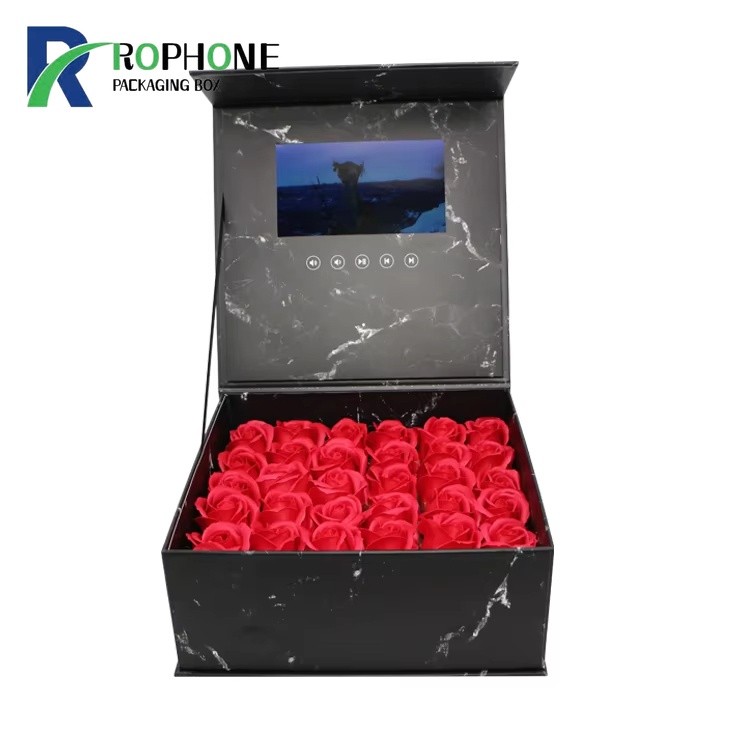
Choose resolution based on what your video shows. If your content is mostly voiceover over simple graphics and text, a standard resolution is enough. If you show product close-ups, drone footage or detailed photography, step up to the higher resolution. Our LCD video brochure cards are available in multiple screen sizes so you can match the display to your content and budget.
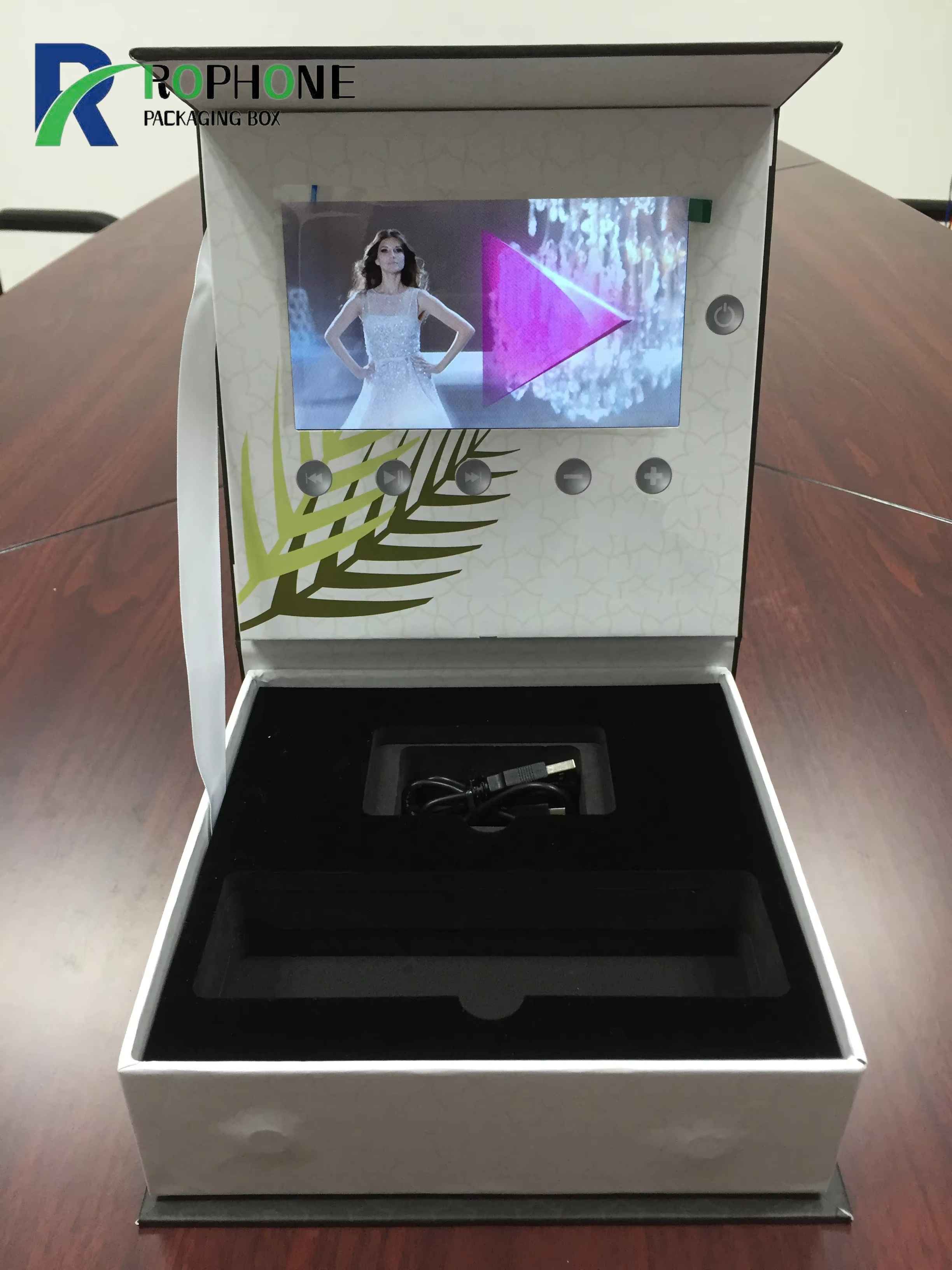
5. Other Display Specs to Consider
Resolution is only one part of screen quality. Viewing angle determines how clearly the screen looks when viewed from the side. Brightness matters if the card will be used at a trade show booth or in bright daylight. Screen type (TFT vs IPS) also affects color and contrast. When you browse the full electronic greeting card range, ask about these specs alongside resolution.
6. Rophone Display Quality
Every video brochure card from Rophone goes through screen testing before assembly. We check dead pixels, brightness uniformity and color accuracy on each unit. We also help you encode your video at the optimal resolution and bitrate for the chosen screen, so your footage looks its best. Contact us with your video files and we will recommend the right screen and resolution for your next campaign.
Send Inquiry
-
WhatsApp
X
We use cookies to offer you a better browsing experience, analyze site traffic and personalize content. By using this site, you agree to our use of cookies.
Privacy Policy