- jeffchen@packagedbox.com
- +86-15767637578
- Language
 English
 Español
 Português
 русский
 Français
 日本語
 Deutsch
 tiếng Việt
 Italiano
 Nederlands
 ภาษาไทย
 Polski
 한국어
 Svenska
 magyar
 Malay
 বাংলা ভাষার
 Dansk
 Suomi
 हिन्दी
 Pilipino
 Türkçe
 Gaeilge
 العربية
 Indonesia
 Norsk
 تمل
 český
 ελληνικά
 український
 Javanese
 فارسی
 தமிழ்
 తెలుగు
 नेपाली
 Burmese
 български
 ລາວ
 Latine
 Қазақша
 Euskal
 Azərbaycan
 Slovenský jazyk
 Македонски
 Lietuvos
 Eesti Keel
 Română
 Slovenski
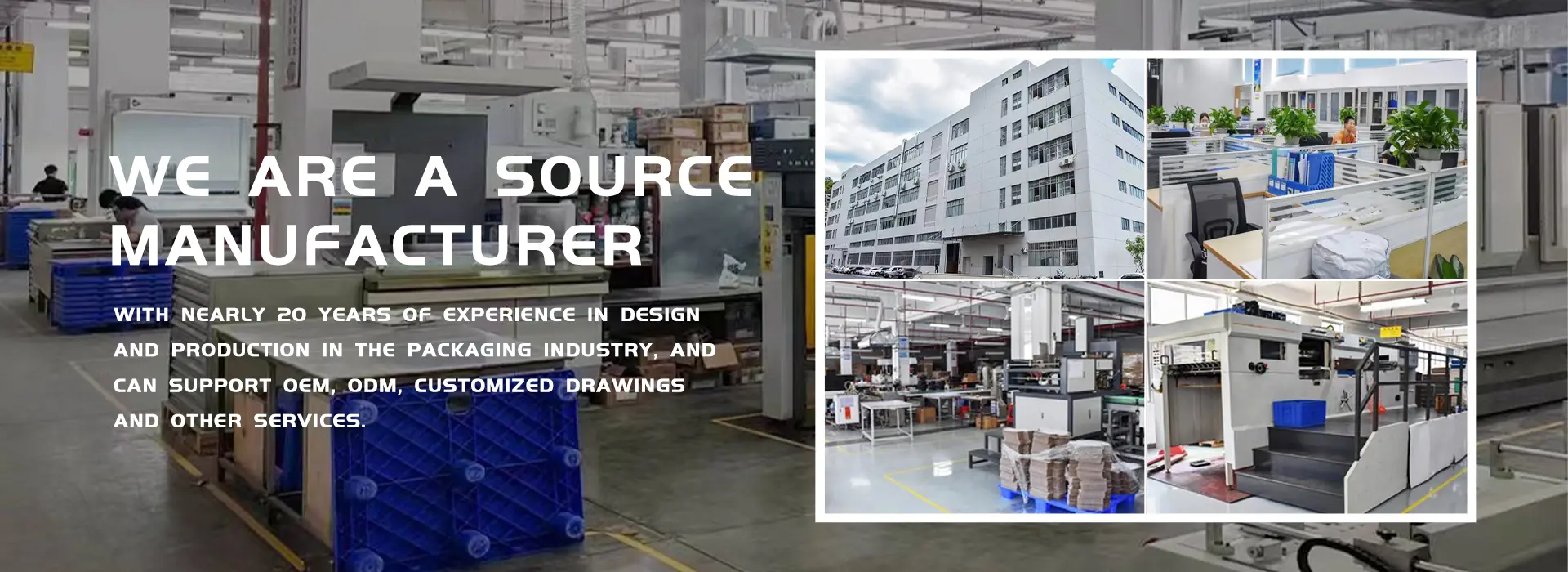
Built-in Speaker and Audio on an LCD Video Brochure Card
The sound system is as important as the screen on our LCD video brochure cards. A built-in speaker carries the voice-over, music or product audio that plays when the booklet opens, so the message reaches the recipient with both image and sound. This guide explains how the built-in audio on an LCD video greeting card works, from the speaker and playback board to the volume controls and audio file preparation, so buyers can understand what goes into the sound side of a printed video brochure card.
1. What the Built-in Speaker Does on an LCD Video Greeting Card
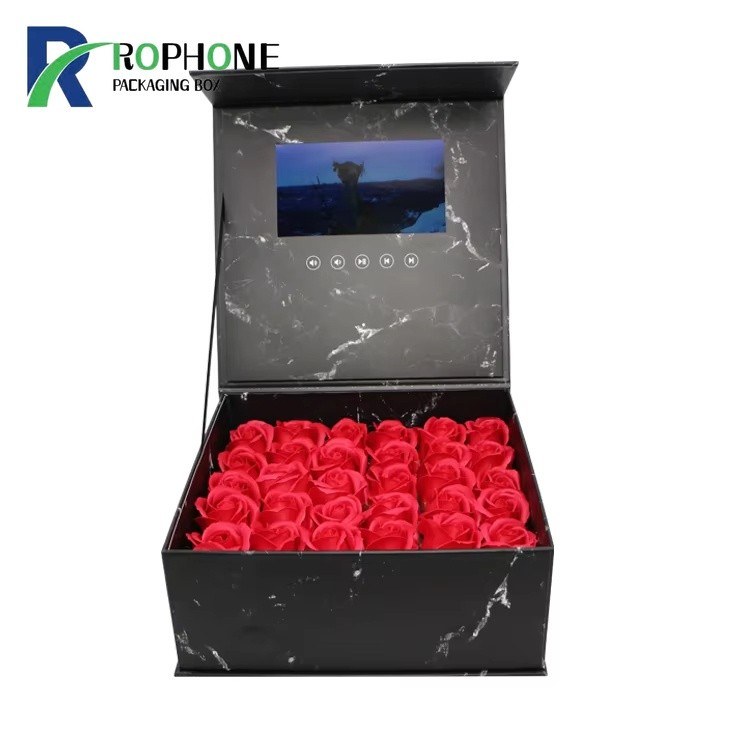
Every LCD video greeting card contains a small speaker wired to the playback board inside the module. When the card opens, the board drives the speaker to play the approved audio file along with the video. The speaker is matched to the module and booklet size, so it delivers clear voice and background music without needing an external speaker or headphones.
On a printed video brochure card, the speaker sits close to the sound opening in the inner panel, while the playback board handles the audio channel. Rophone selects the speaker size to match the screen and booklet format, keeping the LCD video greeting card slim while still producing audible sound for mailing, showroom and sales meetings.
2. Audio Playback and Sound Quality
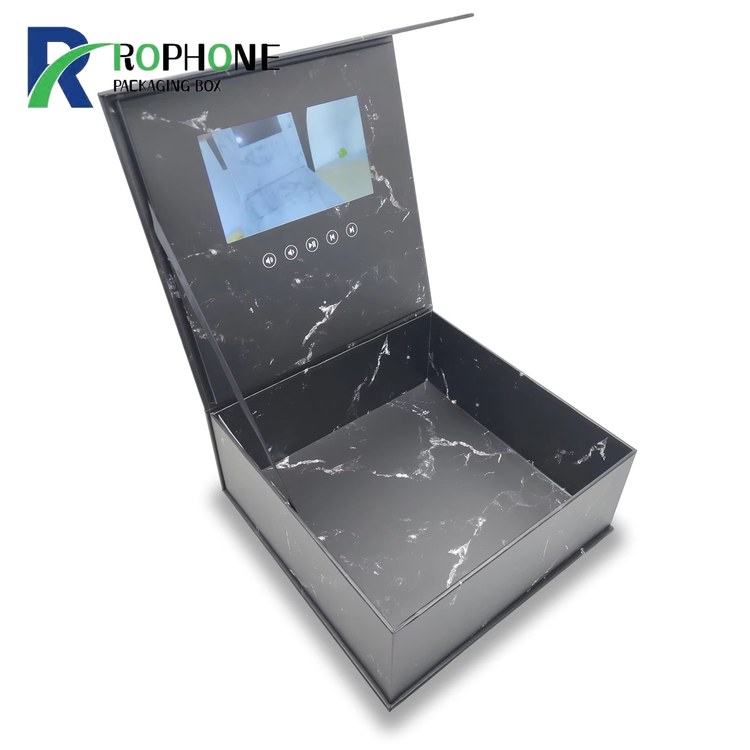
The audio on an LCD video brochure card plays together with the on-screen video through the same onboard memory. The approved clip is loaded onto the module before dispatch, so the voice-over, music and narration stay in sync with the footage each time the card opens. Sound level and clarity are checked against the video during preparation.
Rophone tests the audio playback on each video brochure card before packing, confirming that the speaker produces clear sound and that the track starts with the video. Whether the piece carries a spoken introduction, a product demo or background music, the LCD video greeting card plays the finished audio through its own module once the booklet is opened.
3. Volume and Sound Controls
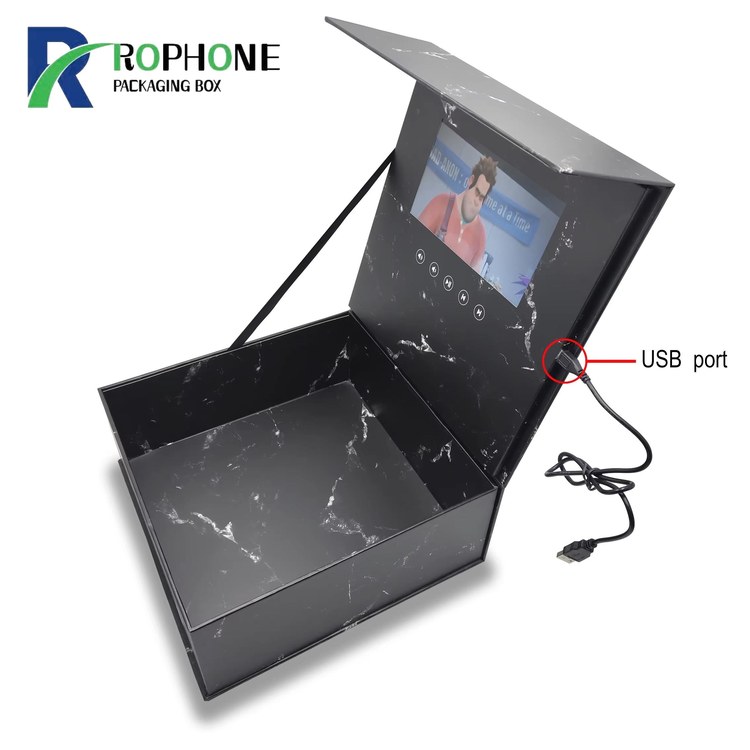
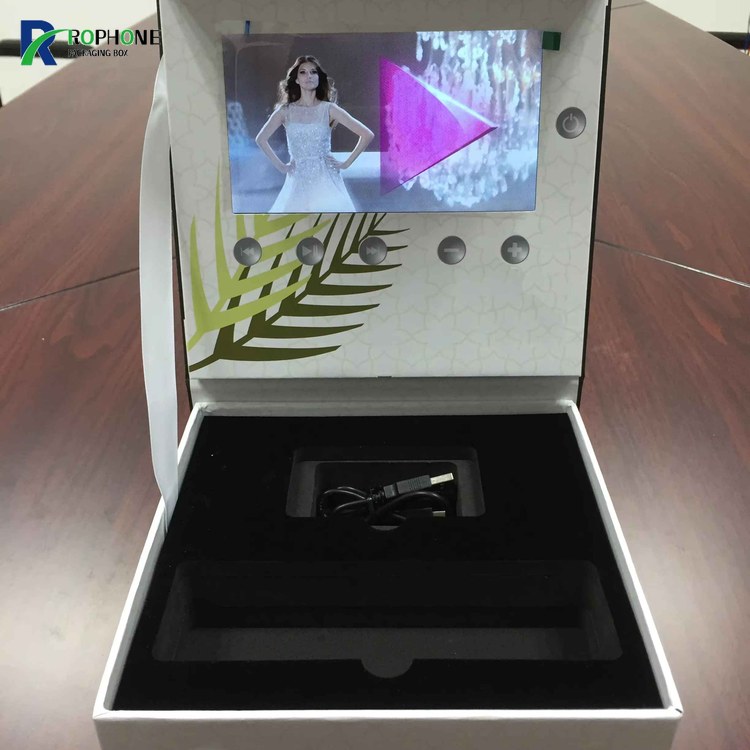
Most LCD video greeting cards offer simple controls beside the speaker, such as play, pause, volume up, volume down and replay. These buttons run the playback board directly, so the recipient can adjust the sound or replay the message without reconnecting anything. The control positions are laid out on the inner panel near the screen for easy reach.
Rophone aligns the speaker, buttons and board during assembly so the sound controls respond correctly and the audio does not cut out when the booklet closes. You can compare panel arrangements and control layouts across the full electronic greeting card range when planning how the sound buttons should sit on your video brochure card.
4. Speaker Placement Inside the Card
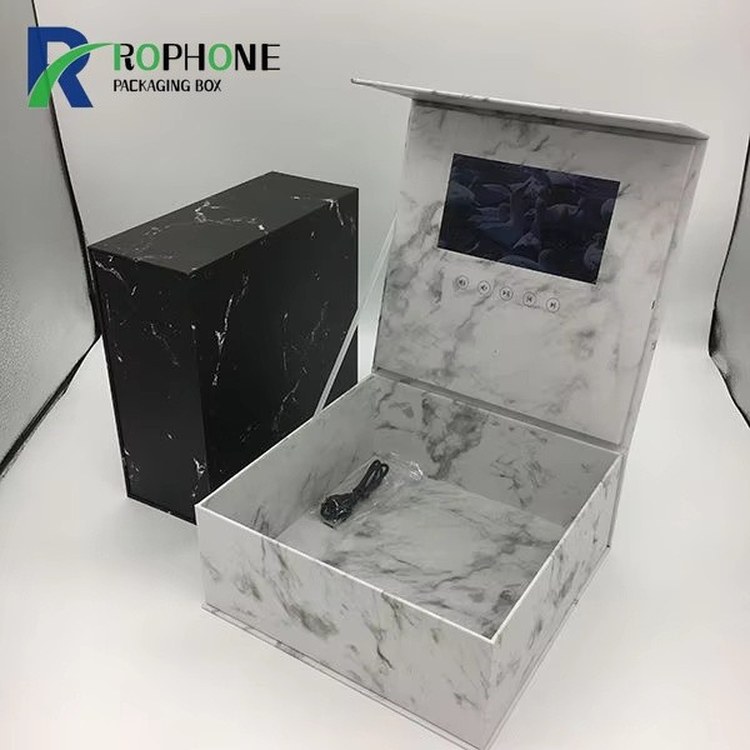
Where the speaker sits affects both sound and printed layout of the LCD video brochure card. It is usually set into the lower inner panel or beside the screen, with a small sound opening cut cleanly through the board or art paper. The surrounding paper is arranged so the audio can travel out clearly without covering the speaker grille.
The module and speaker are positioned together during fitting, keeping the internal wiring flat so the booklet closes properly. Rophone matches the speaker pocket to the chosen screen, battery and booklet size, so the finished LCD video greeting card keeps its neat exterior while the built-in audio works from the inner compartment.
5. Audio File Format and Preparation
The audio track is prepared alongside the video before it is loaded onto the LCD video brochure card. File format, bitrate and aspect ratio are matched to the screen and module board, and the narration or music is checked for volume, background noise and clarity. Where the design supports it, the audio can be updated later through the USB port without reprinting the booklet.
Rophone loads the approved audio onto each card and listens back after the file transfer, confirming the voice and music play at the intended level. This preparation step keeps the sound consistent across a batch of video brochure cards, whether the order is a small gift set or a larger marketing mailing.
6. Audio Support from Rophone
Rophone can advise on the speaker, sound level and control option for your LCD video greeting card. We match the audio setup to your booklet size, video and quantity, and test playback before the cards leave the workshop. This is part of how each card is customized for your brand, from the printed cover to the internal module and sound system.
Send your video file, intended use and any voice-over or music requirements, and our team will recommend the right speaker and audio setup for the video brochure card. Rophone prepares, loads and tests each LCD video brochure card so the sound, controls and playback work correctly when the piece reaches your customer or event.
Send Inquiry
-
WhatsApp
X
We use cookies to offer you a better browsing experience, analyze site traffic and personalize content. By using this site, you agree to our use of cookies.
Privacy Policy