- jeffchen@packagedbox.com
- +86-15767637578
- Language
 English
 Español
 Português
 русский
 Français
 日本語
 Deutsch
 tiếng Việt
 Italiano
 Nederlands
 ภาษาไทย
 Polski
 한국어
 Svenska
 magyar
 Malay
 বাংলা ভাষার
 Dansk
 Suomi
 हिन्दी
 Pilipino
 Türkçe
 Gaeilge
 العربية
 Indonesia
 Norsk
 تمل
 český
 ελληνικά
 український
 Javanese
 فارسی
 தமிழ்
 తెలుగు
 नेपाली
 Burmese
 български
 ລາວ
 Latine
 Қазақша
 Euskal
 Azərbaycan
 Slovenský jazyk
 Македонски
 Lietuvos
 Eesti Keel
 Română
 Slovenski
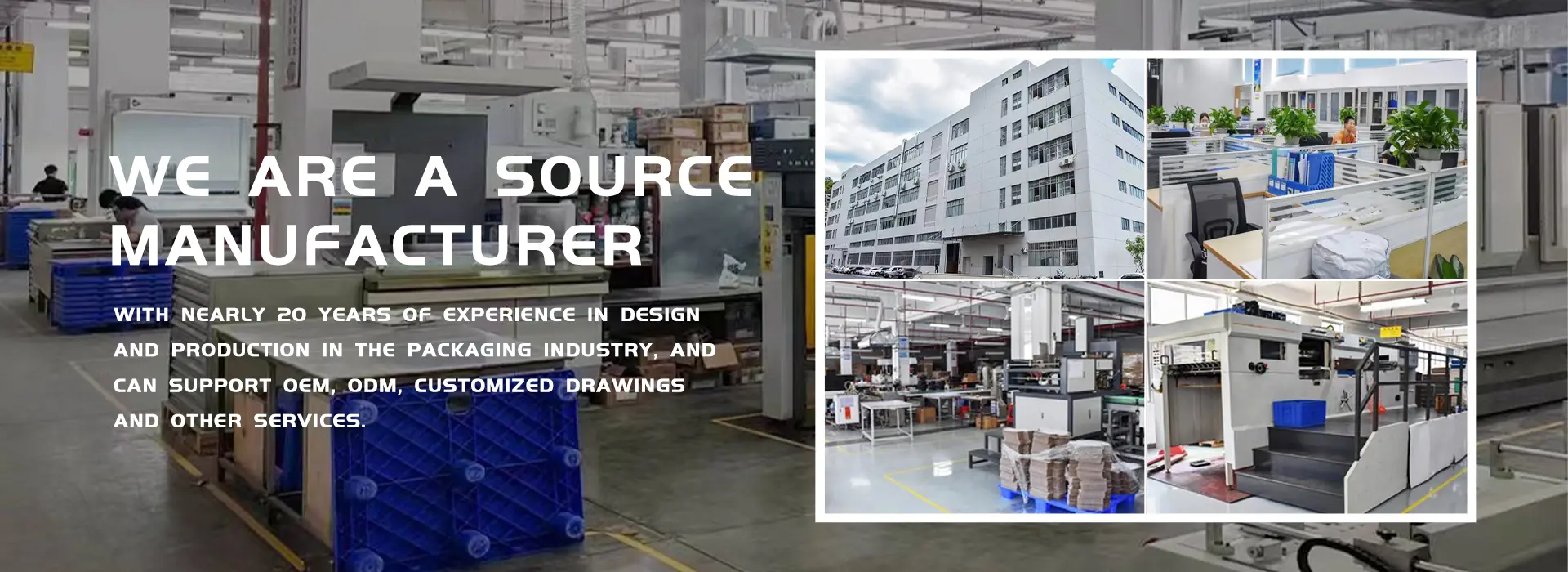
Video Content and Playback for a Custom Printed Video Brochure
The video is what makes a custom printed video brochure different from a printed booklet. Footage quality, aspect ratio, playback behaviour and how the video is loaded all decide whether the custom video brochure card looks professional when it opens. This guide covers preparing your video content, matching it to the brochure screen, setting auto-play and loop, and loading the file onto the module, so the printed video brochure plays your message smoothly from the first open.
1. Preparing Your Video Footage and Script
Before the custom printed video brochure is assembled, the video itself should be planned around what the recipient needs to see. A clear script, product shots, factory or application footage, brand logo and closing call to action make the printed video brochure easy to follow. Footage should be filmed steadily and in good light, with the product or scene framed to suit the screen size of the custom video brochure card, so detail stays visible on a small display.
Rophone works from your existing film, product images or raw footage to advise on the best clips for the custom printed video brochure. The printed video brochure does not need a long commercial; a focused short film that shows the product, story or offer works best on a compact screen. The custom video brochure card plays the approved video repeatedly, so clean opening and closing shots help the message land every time it replays.
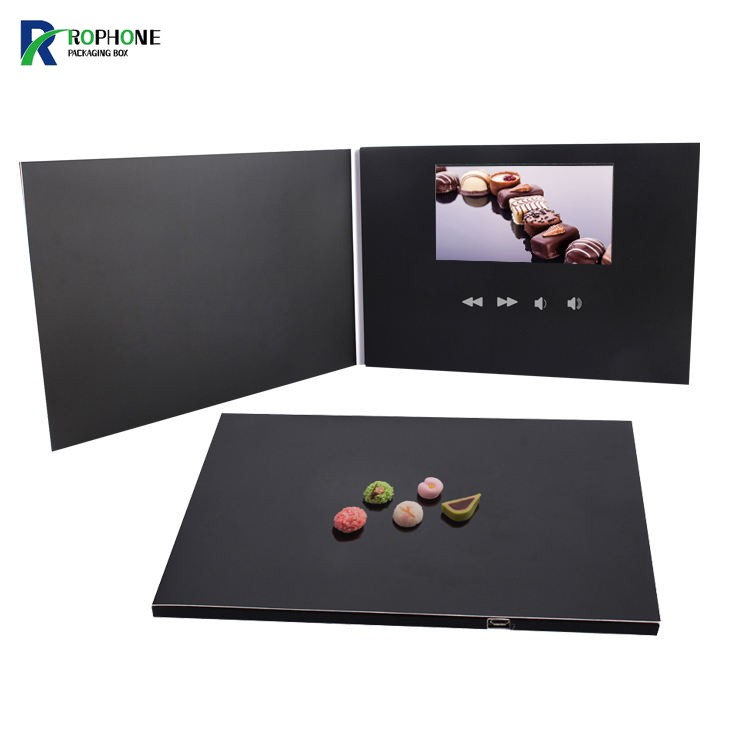
2. Aspect Ratio and Format for the Brochure Screen
The video format should match the LCD screen chosen for the custom printed video brochure. Landscape footage fits a wide booklet spread, portrait clips suit a taller card, and square content works with compact displays. If the aspect ratio does not match the screen, the printed video brochure may show black bars or crop important parts of the frame, so the custom video brochure card footage should be exported in the ratio of the chosen display.
Resolution and compression are set so the video looks clear on the small screen without making the file unnecessarily large. Rophone checks the video aspect ratio against the screen cut-out in the custom printed video brochure layout, and advises on export format and quality for the printed video brochure. Matching the footage to the display means the custom printed video brochure fills the screen cleanly when it opens.
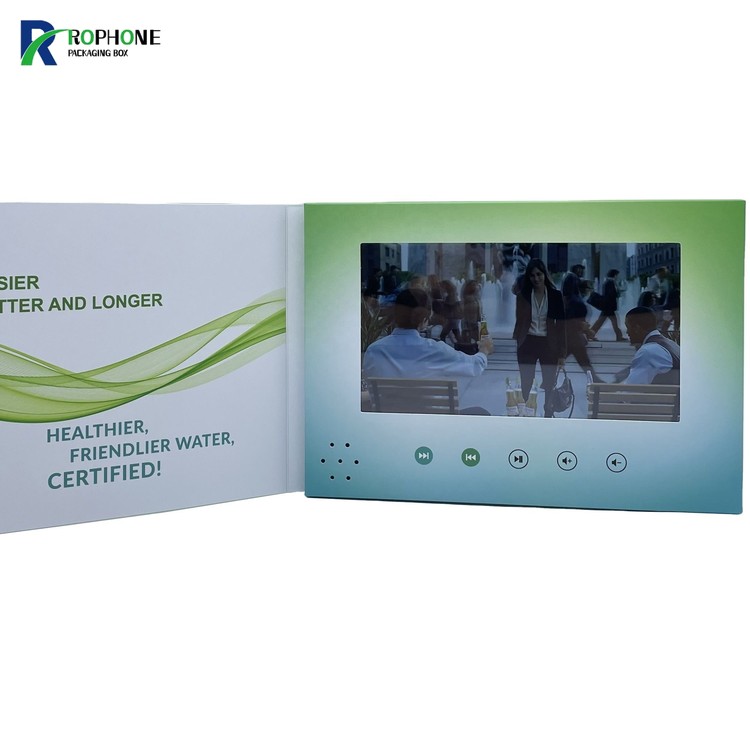
3. Auto-Play, Replay and Loop Settings
Most custom printed video brochures are set to play automatically the moment the booklet opens, so the recipient sees the video without pressing any button. The printed video brochure can be configured to replay once, loop continuously, or stop after the first play, depending on how long the piece should hold attention. Volume, screen brightness and whether the video restarts on each open are part of the playback setup for the custom video brochure card.
Auto-play makes the printed video brochure immediate and hands-free at trade shows and mailings, where the recipient should engage at a glance. Rophone sets the playback behaviour to match your use case: looping for unattended display, single play for a controlled presentation, or replay on demand. These settings are programmed into the custom printed video brochure module before the piece is packed for delivery.
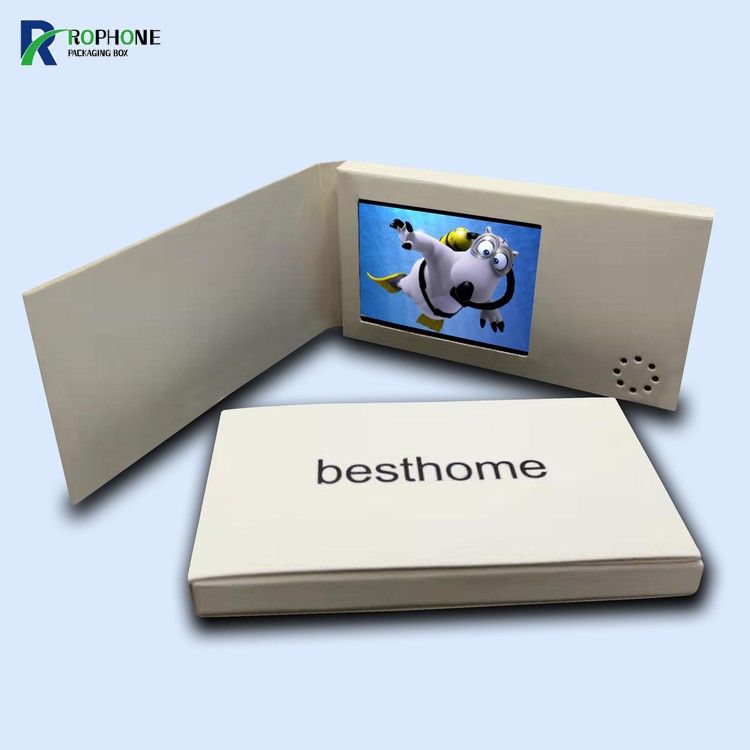
4. Loading the Video onto the Brochure Module
Once the video file is approved, it is loaded onto the module inside the custom printed video brochure. The printed video brochure stores the film on the onboard memory and links it to the screen, speaker and control buttons, so opening the booklet starts playback from the first frame. The custom video brochure card can also be updated to a new video file for repeat or follow-up orders when the module supports it.
Rophone loads the approved footage onto the custom printed video brochure and checks playback, sound and screen display before packing. Each printed video brochure is opened and tested so the video starts correctly, the audio plays and the image shows on the display. This loading step makes sure the custom video brochure card arrives ready to play without further setup on your side.
5. On-Screen Text, Length and Content Planning
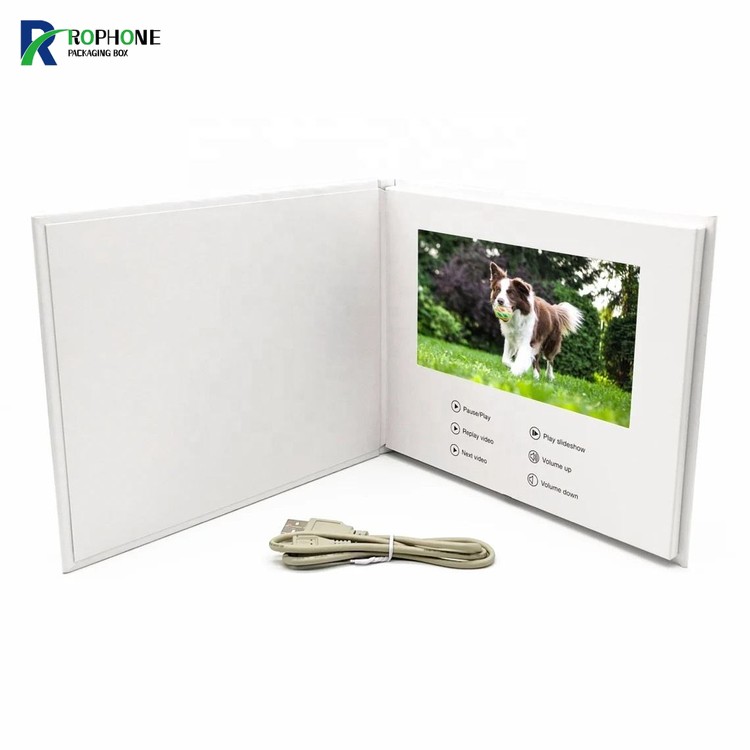
On a small brochure screen, on-screen text must be short and large enough to read at arm's length. Titles, prices, contact details and calls to action in the custom printed video brochure should be limited to the most important words, while longer explanation belongs on the printed pages beside the screen. Video length is planned around the format: a short looping clip for mailers, a longer product story for premium booklets. You can compare printed layouts beside the screen in the electronic greeting card range.
The printed video brochure should carry one clear message per video so the recipient understands the product or offer quickly. Rophone advises on clip length, on-screen wording and where to place printed details on the custom video brochure card, balancing the film with the booklet pages. Good content planning keeps the custom printed video brochure engaging without overcrowding the small display.
6. Video Preparation Support from Rophone
If you already have a finished film, Rophone can load it onto the custom printed video brochure and match it to the chosen screen and playback settings. If you only have product photos, samples or a draft script, our team can advise on footage, clips and content structure that suit the printed video brochure format. The custom video brochure card can be prepared around whatever material you can provide.
Send your video file, product images or script along with the booklet size and target audience, and Rophone will recommend the screen, aspect ratio, playback mode and video loading approach for your campaign. We prepare and test the printed video brochure so each custom printed video brochure opens and plays your content correctly, ready for marketing mailers, kits or gifts.
Send Inquiry
-
WhatsApp
X
We use cookies to offer you a better browsing experience, analyze site traffic and personalize content. By using this site, you agree to our use of cookies.
Privacy Policy