- jeffchen@packagedbox.com
- +86-15767637578
- Language
 English
  Español
 Português
 русский
 Français
 日本語
日本語 Deutsch
 tiếng Việt
 Italiano
 Nederlands
 ภาษาไทย
 Polski
 한국어
한국어 Svenska
 magyar
 Malay
Malay বাংলা ভাষার
 Dansk
Dansk Suomi
Suomi हिन्दी
 Pilipino
 Türkçe
 Gaeilge
 العربية
 Indonesia
 Norsk
Norsk تمل
تمل český
český ελληνικά
 український
 Javanese
 فارسی
فارسی தமிழ்
தமிழ் తెలుగు
 नेपाली
 Burmese
 български
 ລາວ
ລາວ Latine
 Қазақша
 Euskal
 Azərbaycan
 Slovenský jazyk
 Македонски
 Lietuvos
 Eesti Keel
 Română
 Slovenski
Video Brochure Card Memory Storage: How Much Do You Need
Memory storage determines how much video your card can hold. Choose too little and your video gets compressed and blurry; choose too much and you pay for unused capacity. This guide explains how to calculate the right memory size for your video brochure card.
1. How Much Memory Does Video Use
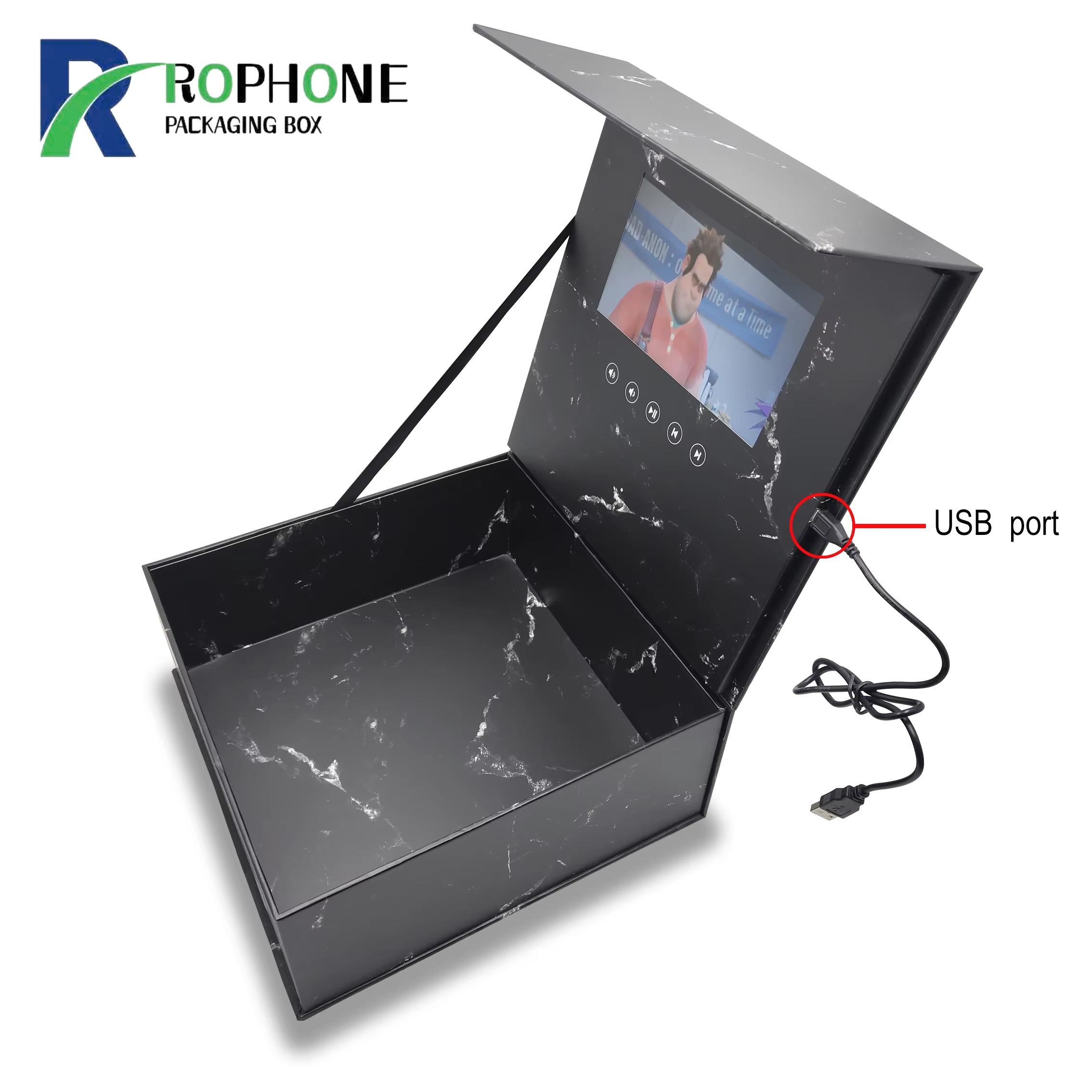
A typical 30-second marketing video at 480x272 resolution takes about 10 to 20 MB. A 90-second clip at the same resolution needs 30 to 50 MB. Higher resolution and longer video increase file size quickly. Most video brochure cards come with 128 MB, 256 MB or 512 MB of internal memory, enough for 1 to 5 minutes of video.
2. Common Storage Capacities
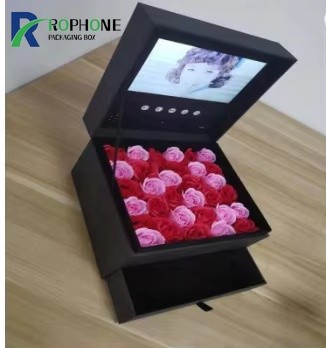
128 MB works for short 15 to 30 second loops on small 2.4-inch cards. 256 MB is the most popular choice for 4.3-inch cards with 30 to 90 second videos. 512 MB is for longer videos on 5- and 7-inch cards, or when you want multiple video clips. Our LCD video brochure cards support all three capacities.
3. Compression and Bitrate
We encode your video at the optimal bitrate for the screen, balancing quality and file size. A higher bitrate looks sharper but uses more memory. For most marketing videos, 500 to 800 kbps is the sweet spot. We can also compress your existing video without visible quality loss, so it fits the memory chip you have chosen.
4. Multiple Video Clips
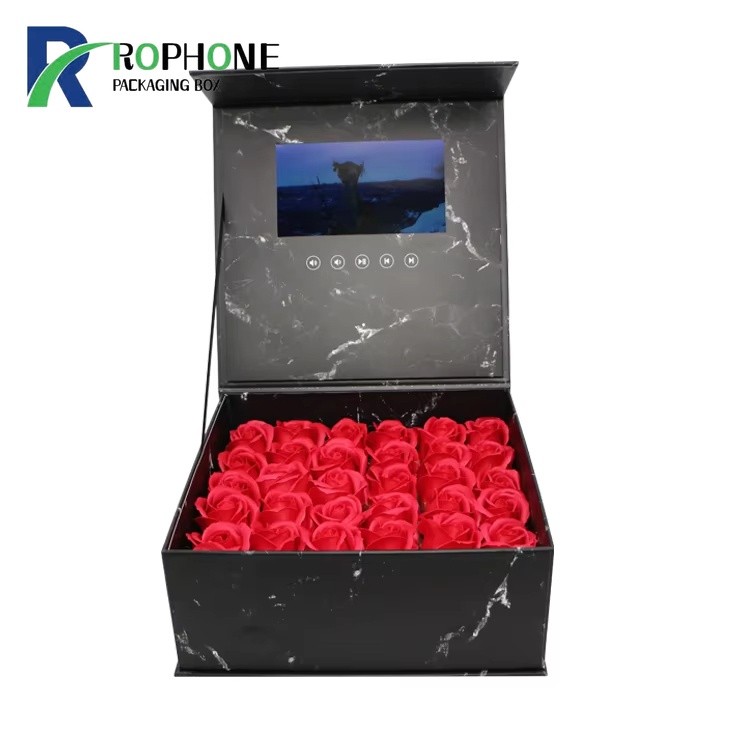
Some cards support multiple video files, switchable by pressing buttons on the cover. This works well for product catalogs where each button plays a different product video. Multiple clips need more memory, so plan for 100 to 200 MB per minute of video. Browse the full electronic greeting card range to see multi-clip card options.
5. Recharging and Reuploading
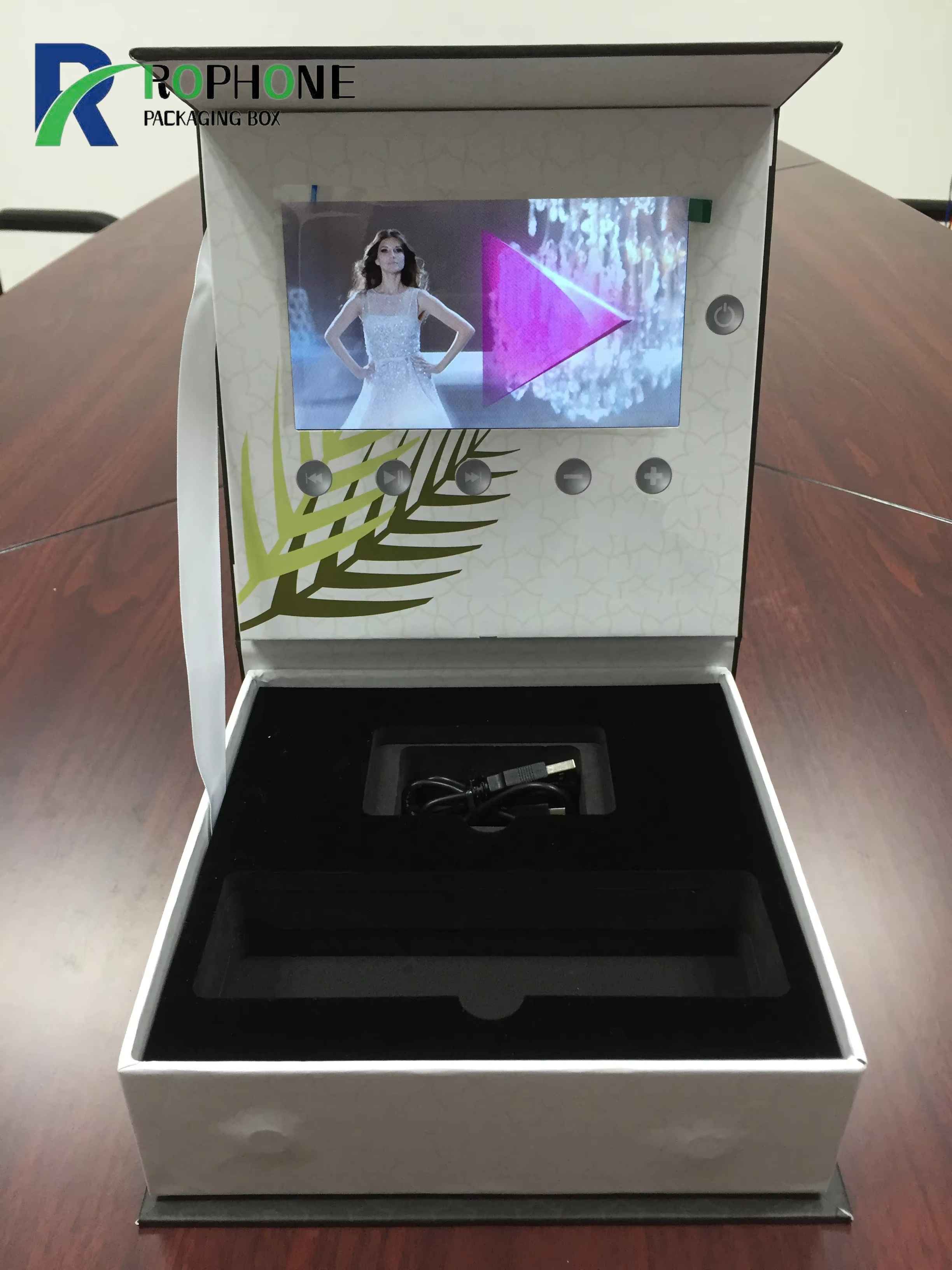
The USB port on the card lets you recharge the battery and upload new videos. This means you can reuse the same card for different campaigns. Memory is not lost when the battery runs flat. If you need to change the video later, just plug the card into a computer and copy a new MP4 file over.
6. Rophone Memory Options
At Rophone, we recommend memory size based on your video length and screen size. Send us your video file and we will tell you exactly which capacity you need. We also provide video editing and compression services so your footage looks sharp and fits perfectly. Contact Rophone for a memory recommendation.
Send Inquiry
-
WhatsApp
X
We use cookies to offer you a better browsing experience, analyze site traffic and personalize content. By using this site, you agree to our use of cookies.
Privacy Policy