- jeffchen@packagedbox.com
- +86-15767637578
- Language
 English
  Español
 Português
 русский
 Français
 日本語
日本語 Deutsch
 tiếng Việt
 Italiano
 Nederlands
 ภาษาไทย
 Polski
 한국어
한국어 Svenska
 magyar
 Malay
Malay বাংলা ভাষার
 Dansk
Dansk Suomi
Suomi हिन्दी
 Pilipino
 Türkçe
 Gaeilge
 العربية
 Indonesia
 Norsk
Norsk تمل
تمل český
český ελληνικά
 український
 Javanese
 فارسی
فارسی தமிழ்
தமிழ் తెలుగు
 नेपाली
 Burmese
 български
 ລາວ
ລາວ Latine
 Қазақша
 Euskal
 Azərbaycan
 Slovenský jazyk
 Македонски
 Lietuvos
 Eesti Keel
 Română
 Slovenski
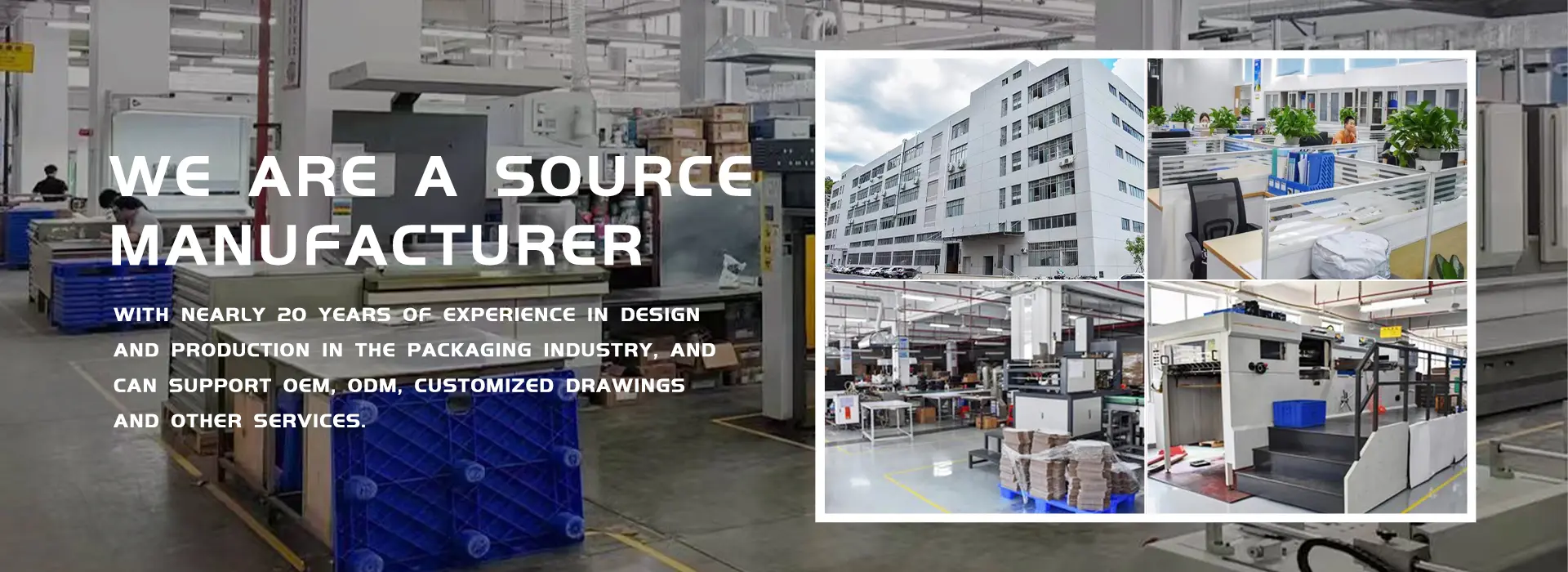
Built-in Audio LCD Greeting Card: Sound Quality and Speaker Design
Sound is half the experience of a video brochure card. A clear, loud speaker makes your message memorable, while a weak or distorted speaker can ruin even the best video. This guide explains how built-in audio works in LCD greeting cards and what to look for.
1. How the Speaker System Works
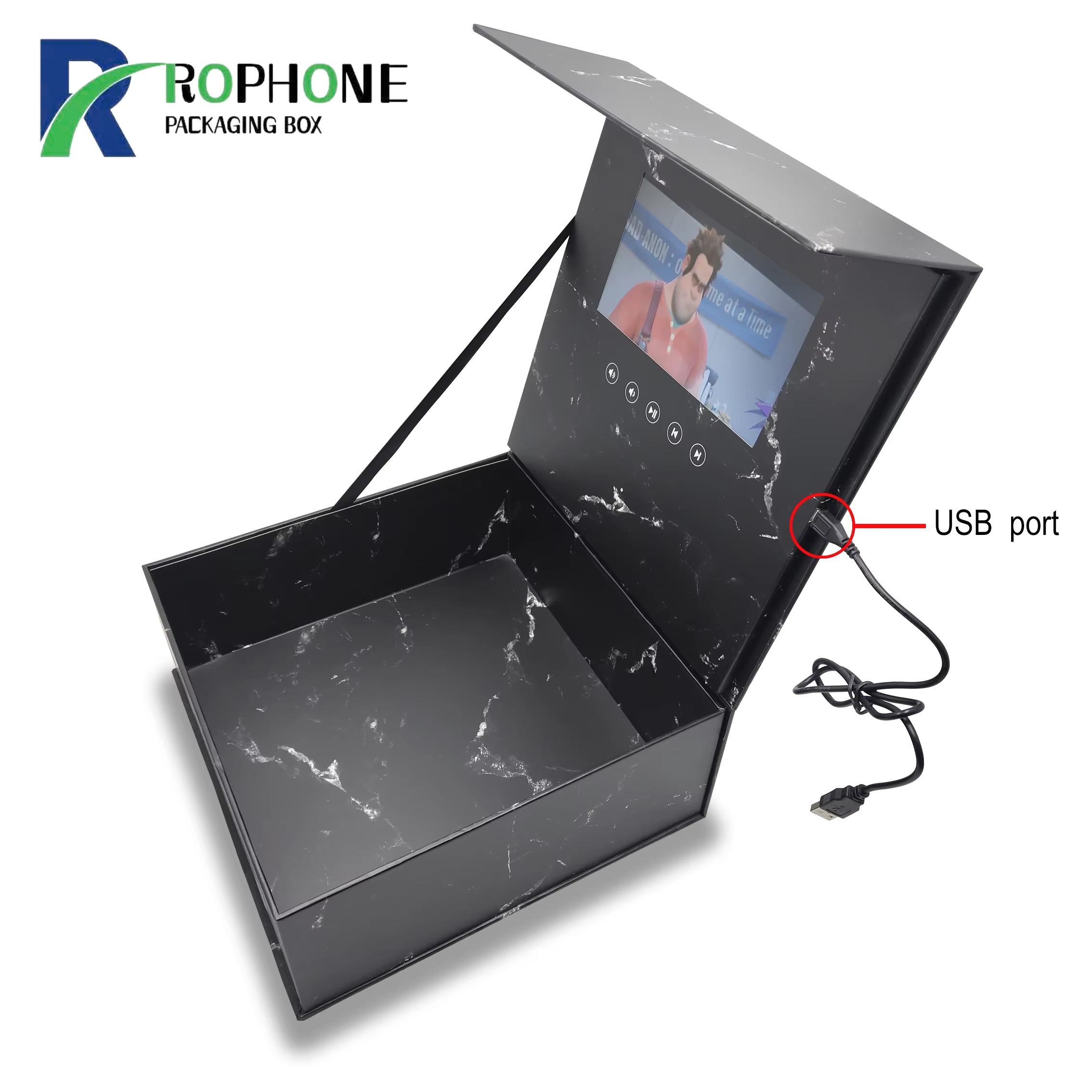
Every video brochure card has a tiny speaker built into the cover. When the card opens, a small switch triggers playback, and the audio chip sends sound to the speaker. Most cards use an 8-ohm speaker ranging from 0.5 to 1 watt. The sound comes out through small holes cut into the paper shell, so the speaker design and the hole layout both affect volume and clarity.
2. Sound Quality Expectations
A card speaker is not a hi-fi system, but it should be clear enough for voiceover and background music. Human voices should sound natural, not muffled. Bass is limited because the speaker is so small, so dialogue and mid-range music work best. Avoid heavy bass tracks or very loud sound effects, as they can distort on a small speaker.
3. Volume Control Options
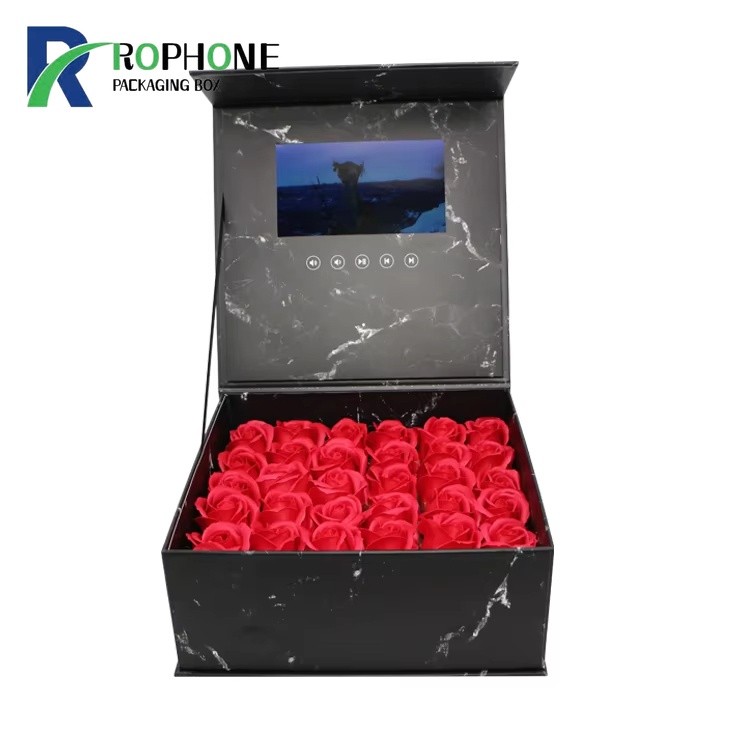
Most video cards play at a fixed volume set during production. Some models offer side buttons for volume up and down, or a touch-sensitive control on the cover. For corporate gifts and trade show giveaways, a fixed medium volume is usually best, so the recipient does not have to fumble with buttons. Our LCD video brochure cards support both fixed and adjustable volume options.
4. Audio File Requirements
The audio is encoded together with the video into a single MP4 or AVI file. For best results, provide audio at 128 kbps or higher, and keep the overall file size under 50 MB for 4.3-inch cards. Rophone can help you mix, master and encode your audio so it sounds its best on the card speaker. We also provide text-to-speech voiceover if you do not have a narrator.
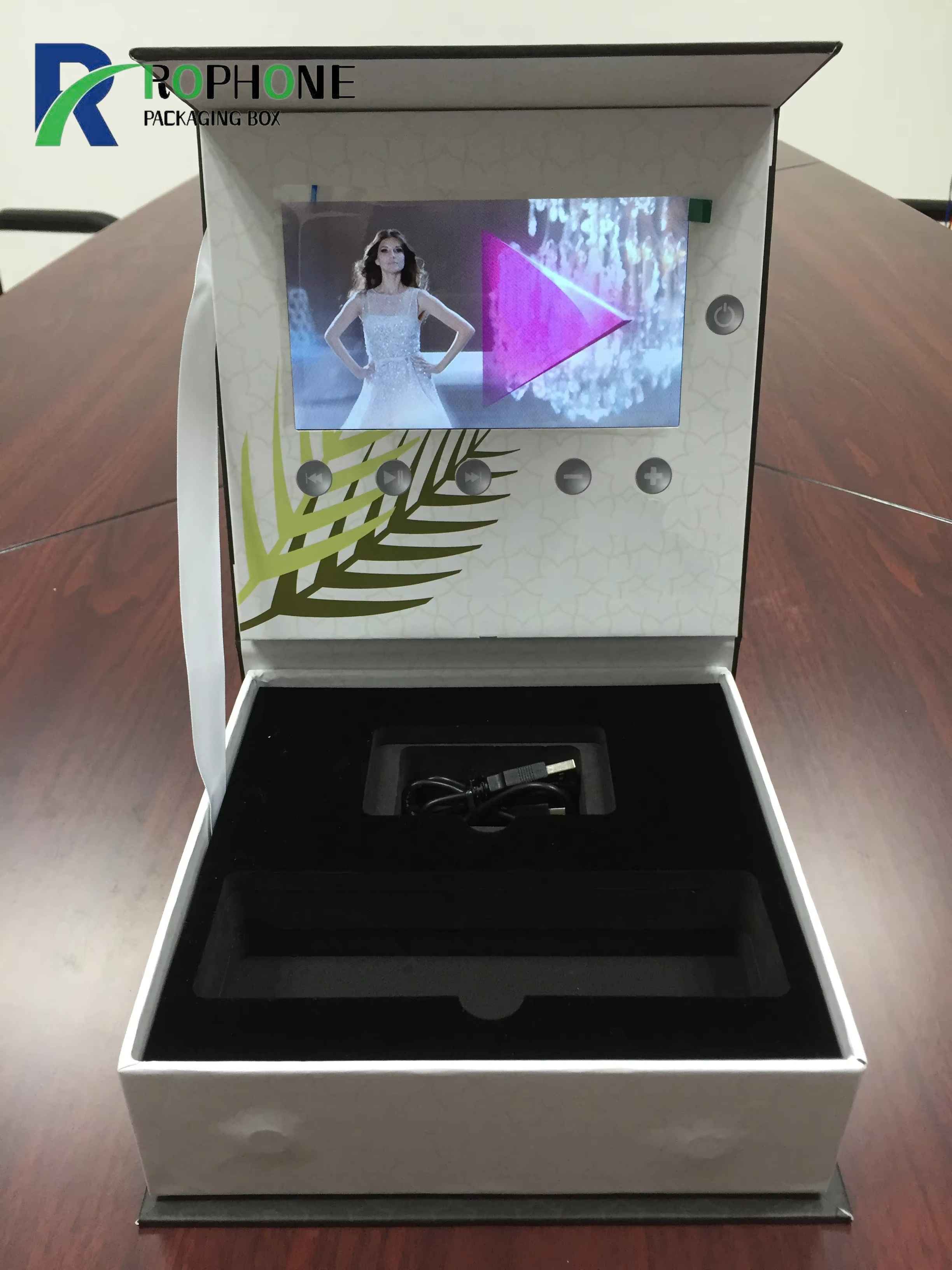
5. Testing Audio Before Bulk Production
Always approve a sample before bulk production. Listen to the sample in a quiet room and also in a noisy environment like a trade show floor, to make sure the voiceover comes through clearly. Browse the full electronic greeting card range to hear sample audio on different card models.
6. Rophone Audio Design
At Rophone, every video brochure card we ships goes through an audio test: we play a known reference track and check volume, clarity and no distortion. We also offer noise reduction and audio enhancement services. Send us your video and audio files, and we will make sure they sound great on every card.
Send Inquiry
-
WhatsApp
X
We use cookies to offer you a better browsing experience, analyze site traffic and personalize content. By using this site, you agree to our use of cookies.
Privacy Policy